

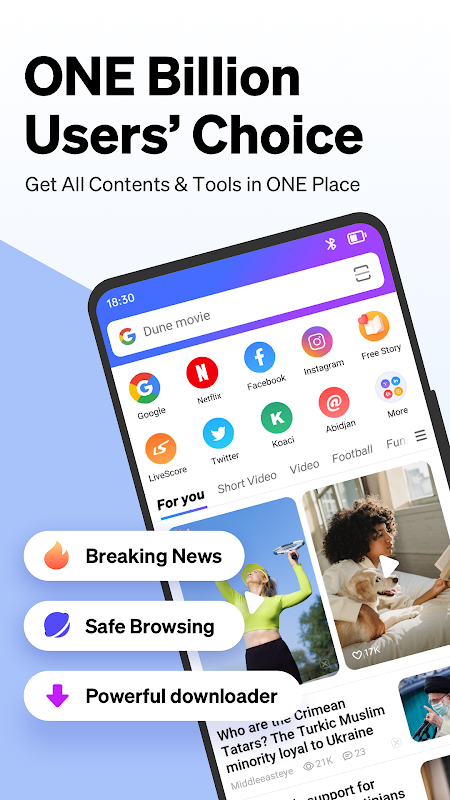
Phoenix Browser delivers a streamlined mobile browsing experience with practical tools for everyday internet users. This Android application combines essential web navigation features with data-saving capabilities ideal for casual browsing and media consumption. It particularly appeals to users seeking efficient performance on devices with limited storage or slower internet connections. Students, budget-conscious mobile users, and anyone needing quick access to web content will find its balanced approach quite useful.
Fast and Lightweight Performance
The browser launches quickly and loads webpages efficiently even on older Android devices. Its optimized engine minimizes resource usage while maintaining compatibility with modern websites. This lightweight design ensures smooth scrolling and responsive navigation without draining your battery excessively.
Built-in Download Manager
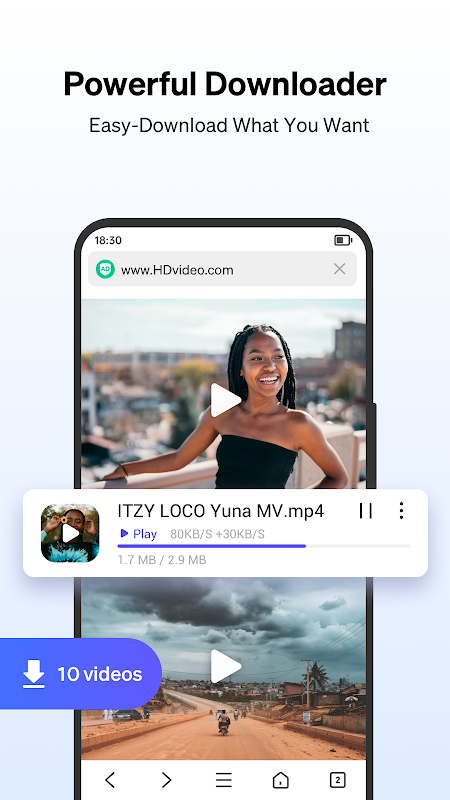
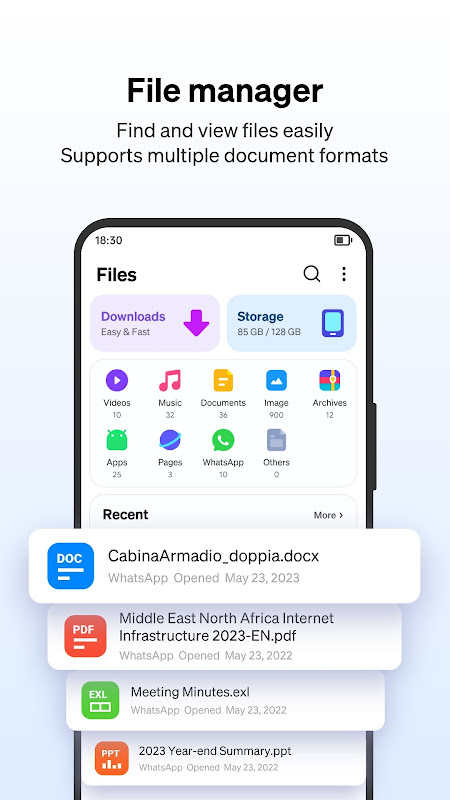
Managing downloads becomes straightforward with the integrated download manager that organizes your files automatically. You can pause and resume downloads conveniently while tracking progress through a clear interface. The system supports various file formats and allows you to access downloaded content directly from the browser.
Data Compression Technology
Significant data savings occur through advanced compression that reduces webpage sizes before loading. This technology works seamlessly in the background to accelerate loading times on slower networks. Mobile users with limited data plans particularly benefit from reduced consumption during browsing sessions.
Private Browsing Mode
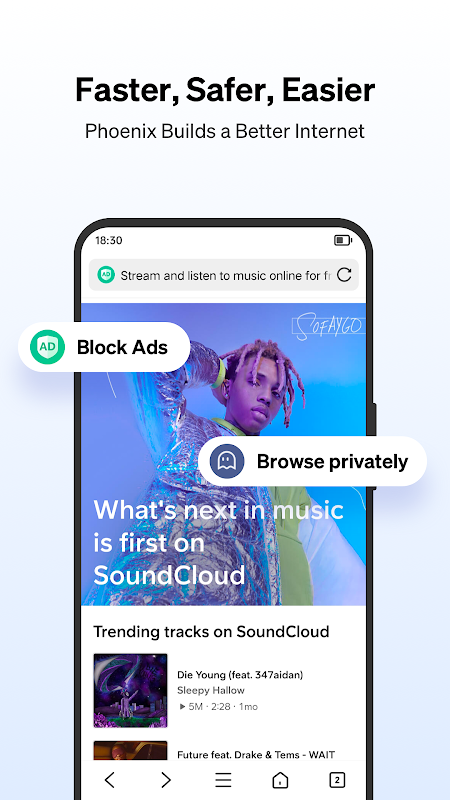
Your search history and cookies disappear automatically when using the private browsing feature. This mode prevents the browser from storing any personal information about your online activities. It provides basic privacy protection for sensitive searches without complex configuration.
Integrated Media Support
The browser handles various media formats smoothly, including video streaming and audio content playback. You can watch online videos directly within the browser interface with adjustable quality settings. This eliminates the need for separate media player applications for most common file types.
Customizable Interface Options
Personalization options let you adjust the browser’s appearance and organization to match your preferences. You can rearrange navigation elements and choose between different display themes for comfortable viewing. These modifications help create a browsing environment that feels intuitive to your specific usage patterns.
Frequently Asked Questions
The browser compresses webpages and images before they load on your device, reducing the amount of data transferred. This process happens automatically and can be adjusted in settings based on your preferences.
Yes, the browser includes functionality to block intrusive advertisements during your browsing sessions. This feature helps create cleaner webpage layouts and can improve loading speeds.
The browser offers interface translation for numerous global languages within its settings menu. You can switch between different language displays according to your preference.
The application primarily stores browsing data locally on your device rather than external servers. Private browsing sessions leave no trace of your activity on the device itself.